
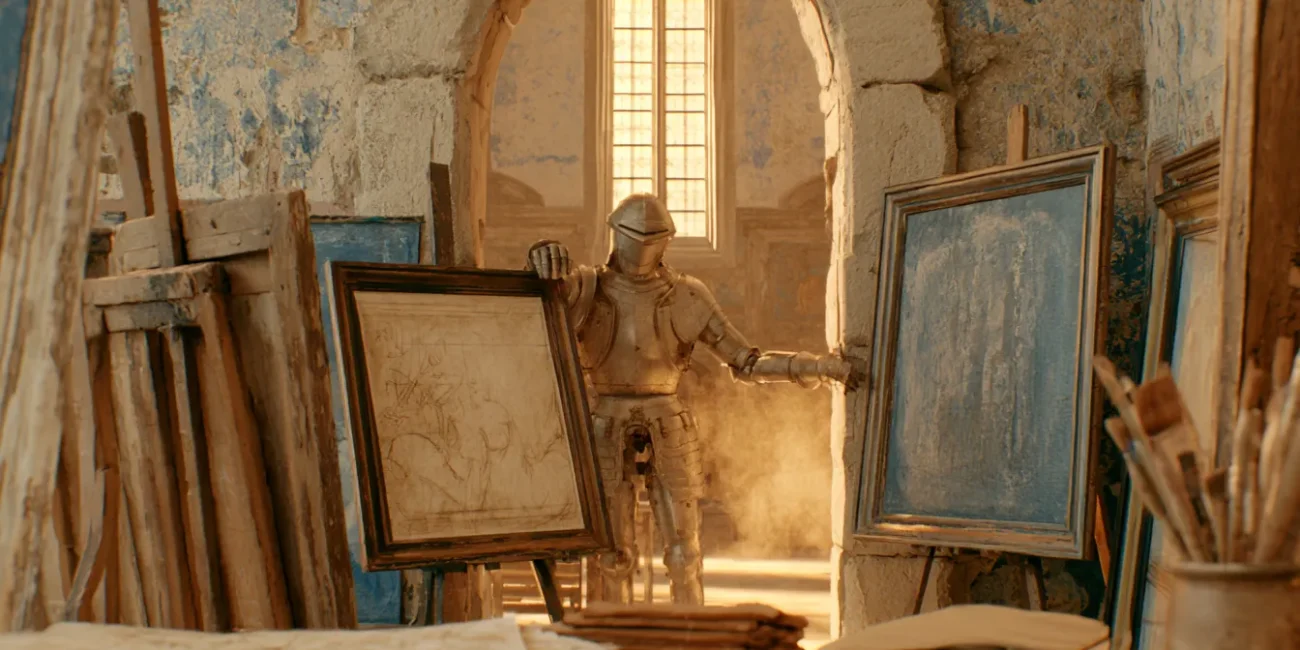
A studio needs an AI curator with an eye, one that introduces work based on what is needed
Your site is not just a gallery for display; it is the face of your studio. Visitors get to know you here, and beyond seeking a collaboration, what matters more is that they want to understand your sensibility first. Behind every piece is a decision you made: what subject you chose, why you treated it this way, why you kept this version. These decisions accumulate into your studio's philosophy. But every visitor comes with a different way of asking and a different vague need, and it takes an AI curator to understand it, connect it, and give a real answer. At the same time, you spend most of your time creating, and what you fear most is not a shortage of time but having your flow broken by trivial questions.
The curator's eye comes from the blueprint your studio already has
This AI curator can introduce your work because your site already wrote down what needed writing. The About page states the studio's direction, the blog shares shooting notes and gear choices, and each series in the portfolio has a creative statement; it walks along this existing content, understands the visitor's vague phrasing, and finds the relevant material to respond. The moment a visitor speaks, the AI curator reads the need and finds the most fitting piece from the RAG Sitemap to recommend.
The creative context of each piece, the logic for selecting projects, and the reasoning behind material choices are the content a client most needs to know and that most influences whether they commit, yet it is hard to ask other studio members to memorize and internalize it all. An AI rep will certainly remember this more completely than an ordinary colleague: its memory is your site itself, and it can find every piece and every creator introduction you have written.
One question, and the whole portfolio's story falls into place
Someone sends a photo they saw elsewhere and asks, "This photo feels close to what I want; have you done anything similar?" The AI curator first reads the style elements in the photo, then compares them against your cases and tells the visitor which projects come closest to this direction. Someone scrolling the case pages asks, "The wood floor in this project looks so warm; what kind of material is it?" The AI curator compares the relevant passages about this material in the case descriptions you wrote and tells the visitor your observations and how it fits the overall style.
Someone who finished looking at a set asks, "That set you shot has such pale tones, like an old film; what style is that? I want this feeling." The AI curator understands this vague description, maps it to the post-processing notes you wrote, tells the visitor it is close to the "cinematic" look you described, and attaches a few projects in the same style for comparison. Someone asks anxiously, "Neither of us is good at posing; will the photos come out stiff?" The AI curator reads this unspoken worry, finds your directing style in the shooting notes you wrote, tells the visitor how you ease subjects into a relaxed state, and attaches a few similar shoots.
By the time a visitor sees these few exchanges, your site has quietly risen to another level. Where a visitor once had to flip back and forth between the portfolio, the commission page, the FAQ, and the blog to piece together an outline, the AI curator assembles that outline for them; where a visitor who wanted to know you better but had no time to dig through would simply scroll away, now they can ask their questions one by one; and where the creative statements you wrote for each piece went unread, now they are brought before the visitor one by one.
 繁體中文
繁體中文  English